
One iOS automation that everyone should be using
The Shortcuts app is a powerful little thing, but it doesn’t seem like a lot of people I talk to actually use it. I have a few personal automations that some people won’t find that interesting, but there is one that I think should be baked right into iOS, which you might find useful.
Automatically enable/disable orientation lock
At this point, I imagine we’ve all run into the same issue. You’ve got an app open, you’re playing a video, and you rotate your phone to view it in landscape mode only to realize that your orientation lock is on. Then you have to swipe down into Control Center, disable the lock, get out of Control Center, then rotate your device.
Instead, you can automatically disable that lock when you have certain apps open, and you’ll never have to run into that problem again.
Here’s how to set it up.
1. Open the Shortcuts app, then tap the automation tab at the bottom.
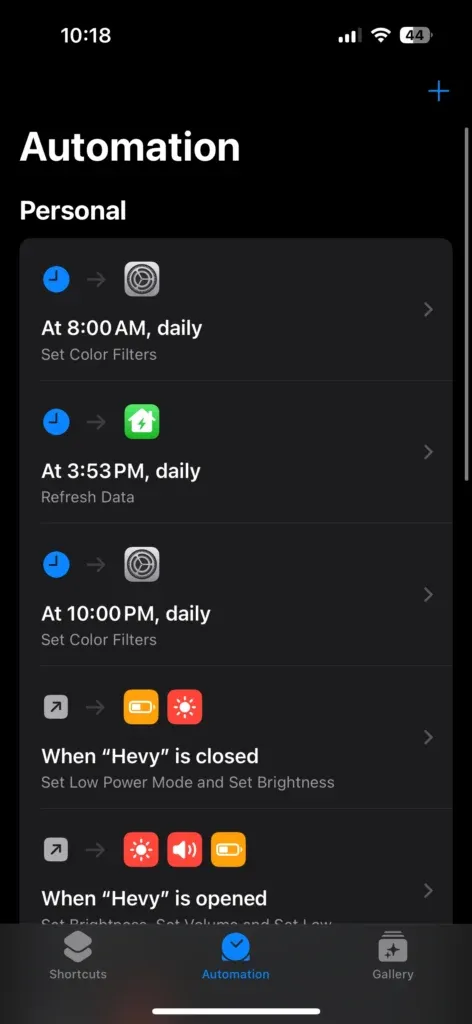
2. Tap on the new button in the top right.
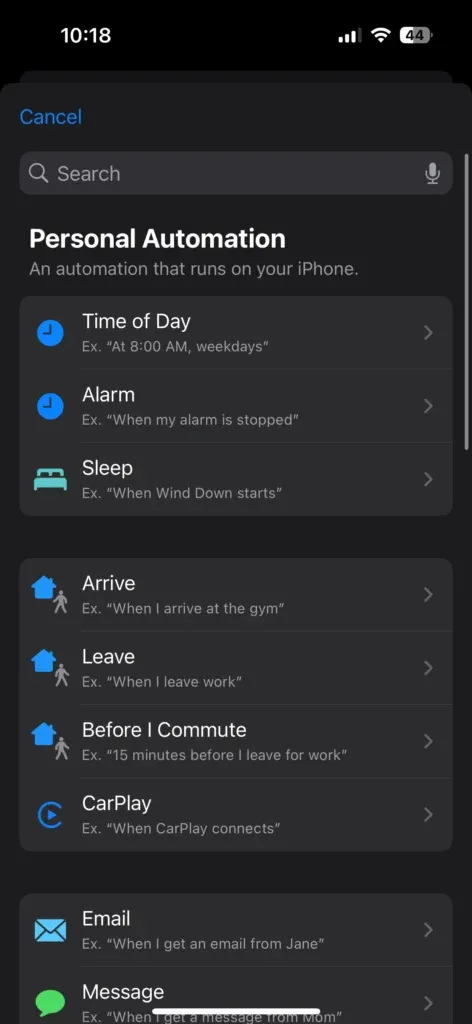
3. Scroll down and select “App”.
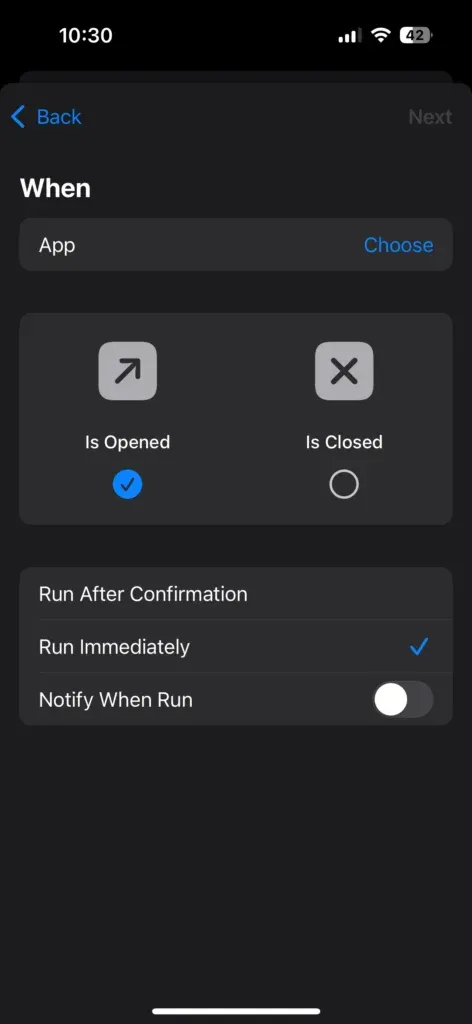
4. Change to “run immediately” so it happens in the background.
5. Tap the “choose” button, and select your primary media apps. For the sake of this demo, I just selected YouTube, but on my actual automation I have Netflix, YouTube, Twitch, Plex and Photos. Tap done when finished.
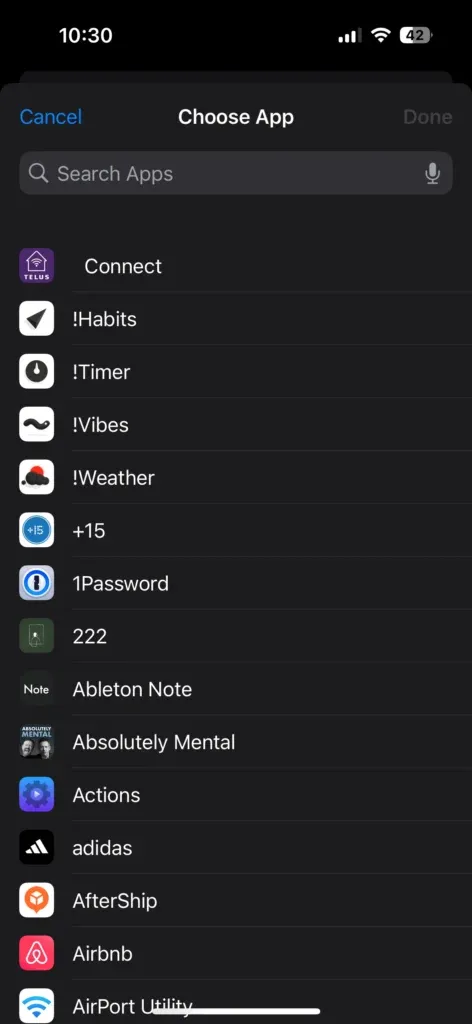
6. Now you’ll see a “Do” section under the apps you have selected with a “Choose” button. Tap that.
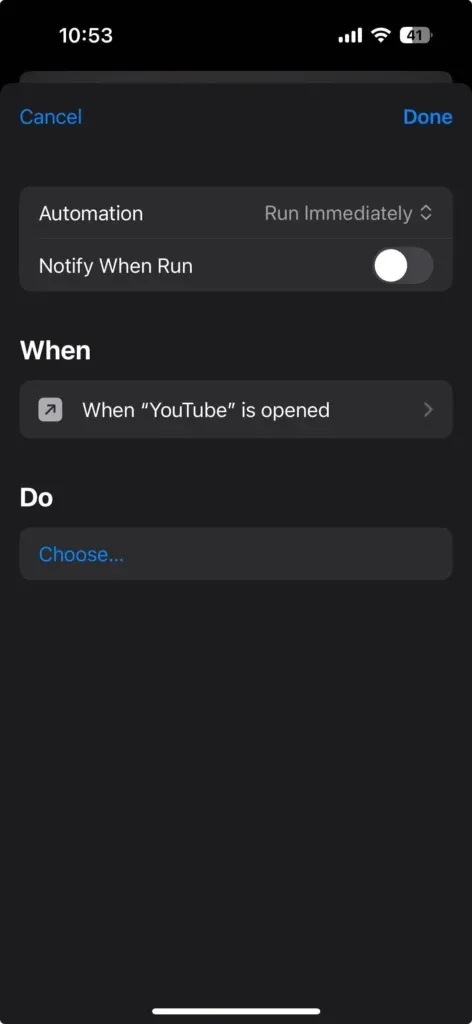
7. Tap on “New Blank Automation”
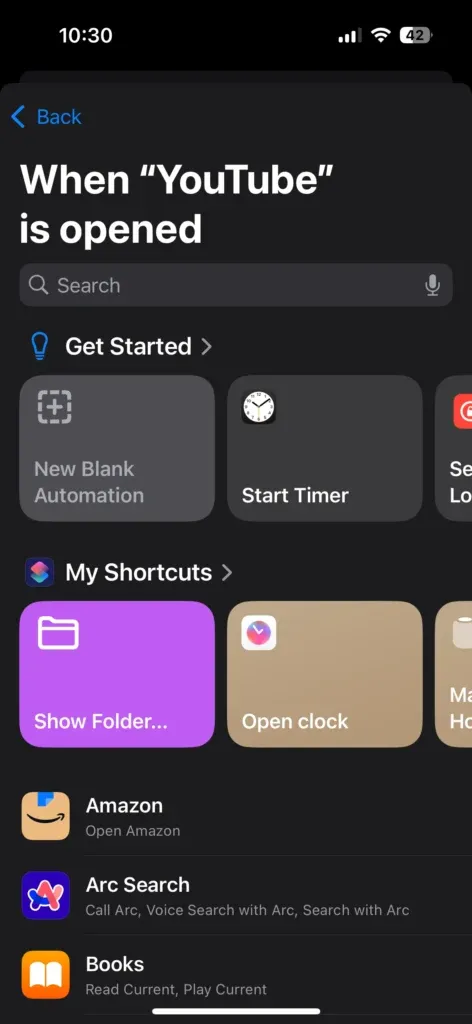
8. In the sheet, search for “orientation”
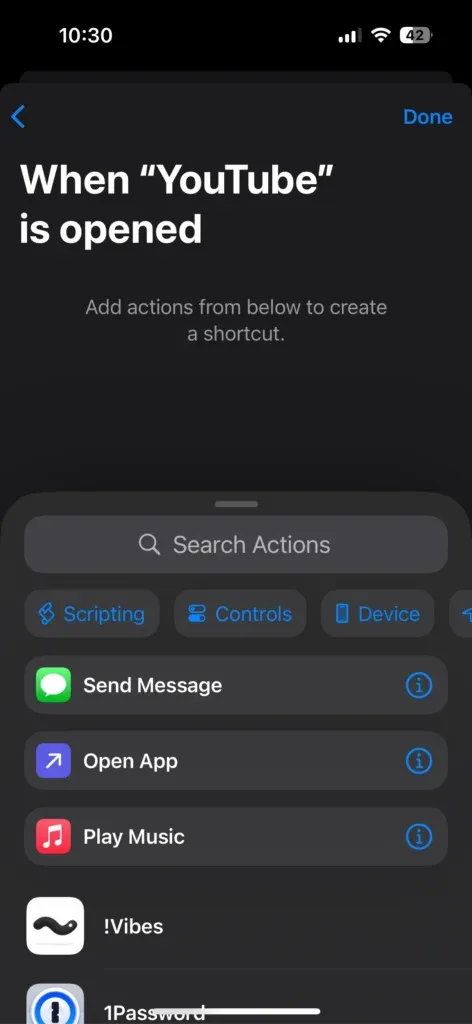
9. Tap on “Select Orientation Lock”
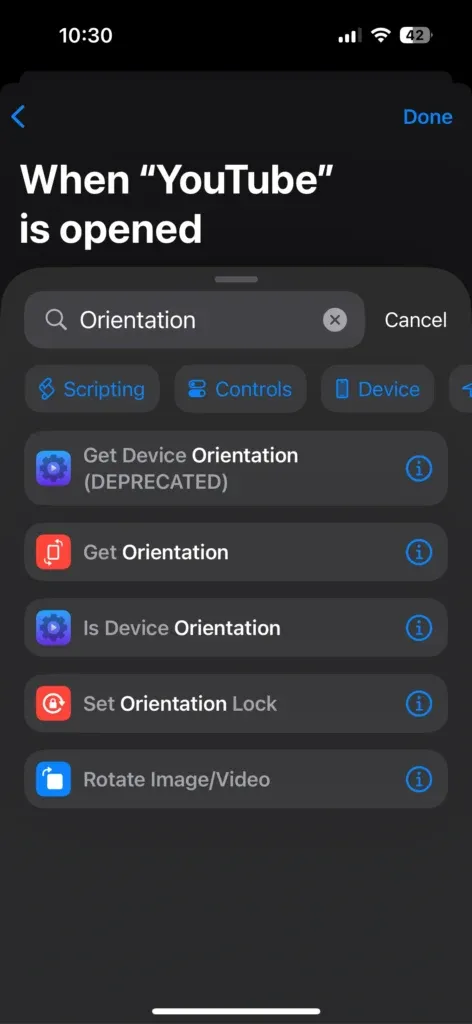
10. Change the default “toggle” text to “turn”, then the orientation to “off”. Hit done when you’re finished.
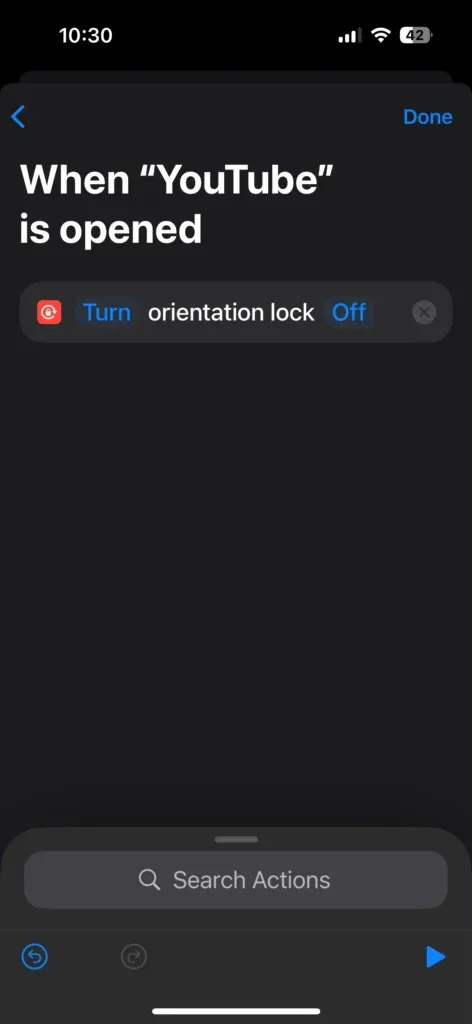
Now whenever those apps open, the orientation lock will turn off in the background, and you can view your glorious video in full screen.
You’re not done yet
Now we need to create another automation, but instead of turning the orientation lock off, we want to turn it on when your selected apps are closed.
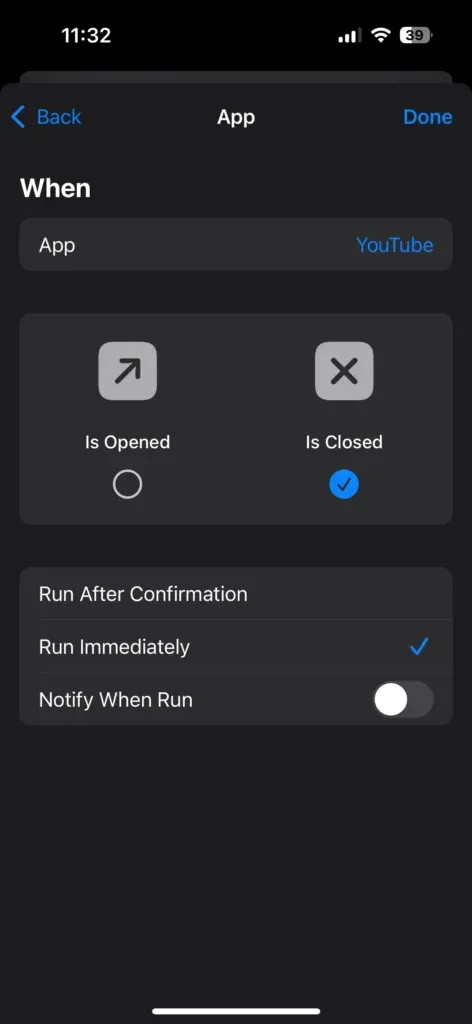
Go through the same process from the steps above, but when you get to this screen, select “Is Closed” instead of “Is Opened”.
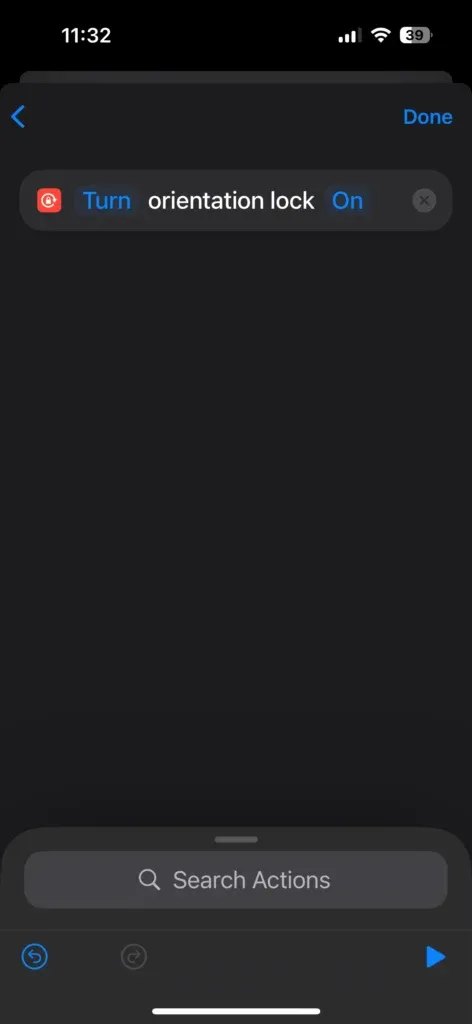
Once you have your apps selected, just reverse the automation, and turn the orientation lock to on.
What are you automating?
I’m always curious to hear about other setups people are using. Do you have something I might find useful? Feel free to drop it in the comments, or email me.